QR SLOP · free, in your browser
Make many QR codes at once
Asset tags, ticket numbers, product links, table numbers: paste the list, and QR SLOP draws a code for every line with the design and logo you chose.
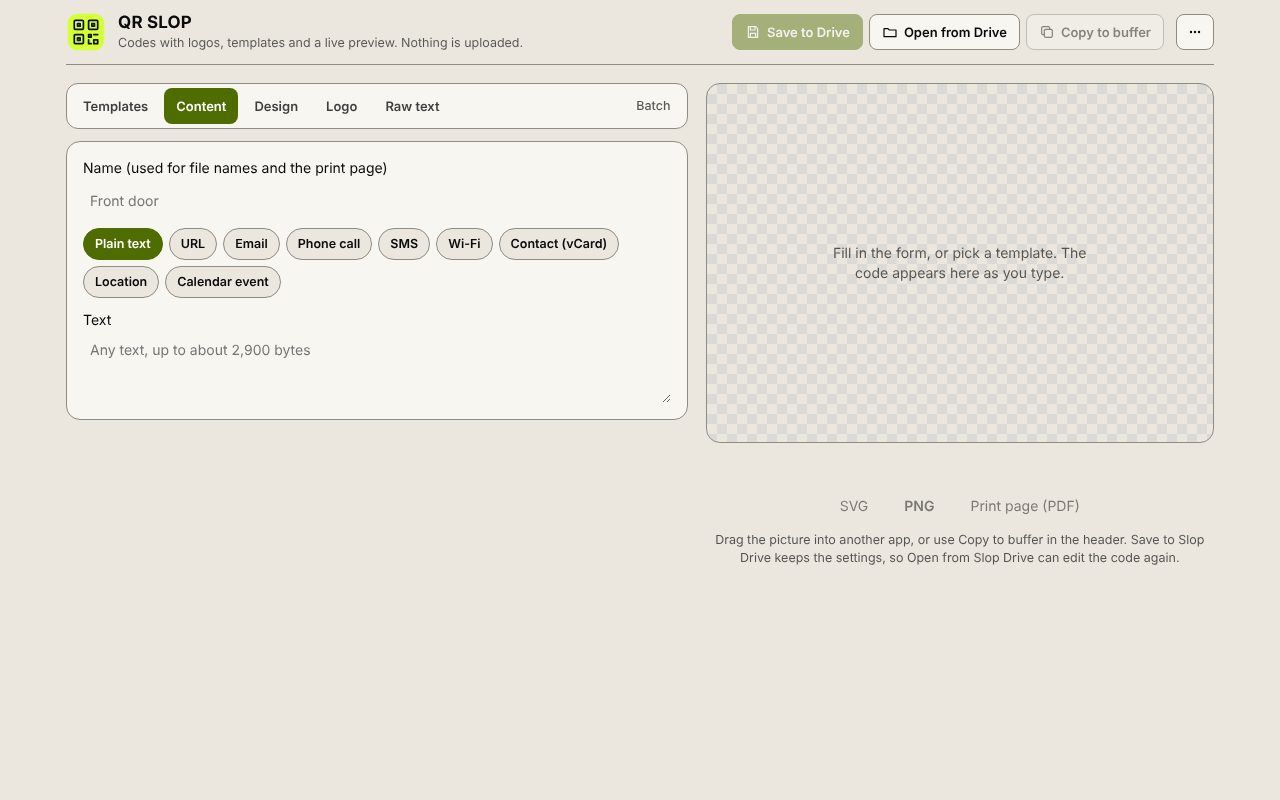
How to do it
- Set the design and logo first, in the Design and Logo tabs.
- In the Batch tab, paste one text or link per line.
- Press Make codes. Each line becomes a card with its own code.
- Download each card as SVG or PNG.
Your files stay on this device: QR SLOP runs in your browser, with no upload, no account and no watermark.
Questions
How many codes can I make at once?
Up to 100 lines are drawn at a time. For more, run the next 100 after downloading the first ones.
Can I make the codes from a spreadsheet?
Copy the column from the spreadsheet and paste it into the Batch tab: each cell becomes a line. For labels printed from a spreadsheet, SlopLabel can merge QR codes onto label sheets.
Are the links checked or tracked?
No. Each code holds exactly the text of its line, and nothing is sent to a server.
More with QR SLOP
- Make a Wi-Fi QR code
- Make a QR code with your logo
- Make a vCard QR code for your contact details
- A free QR Code Monkey alternative in your browser
Related apps
 Slop PDF
Live
Organise, edit and sign PDFs. Nothing uploaded. SlopLabel
Beta
Design and print barcode labels. Slop Reports
Beta
Totals and lists across Contacts, Invoices, Expenses and CRM, with profit by month. Read-only.