Slop Paint Classic · free, in your browser
Classic Paint, online
The 1998 paint program, rebuilt for the browser: the tool box, the colour box and the menus where you remember them. Doodle, mark up a screenshot or make pixel art, then save a PNG.
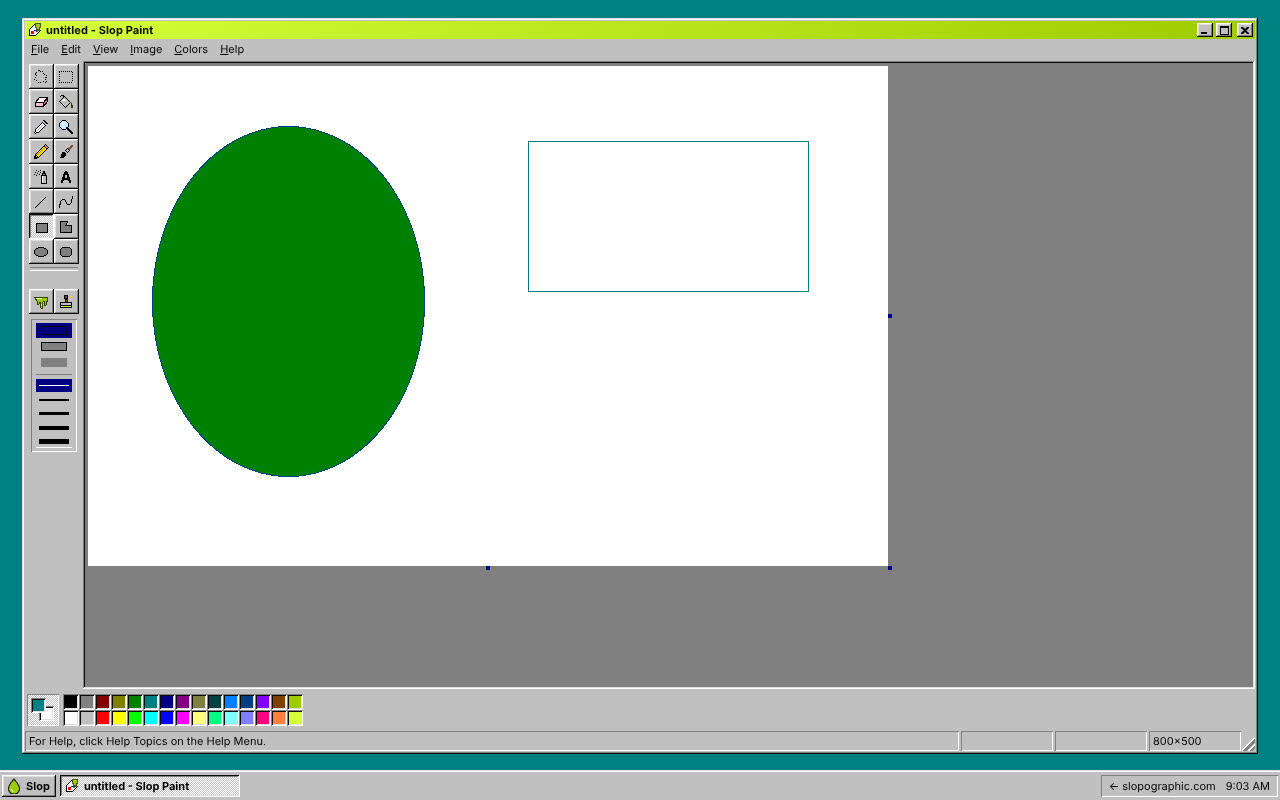
How to do it
- Pick a tool from the tool box: Pencil, Brush, Airbrush, Fill With Color, Line, Curve, Rectangle, Ellipse, Polygon or Text.
- Click a colour in the colour box to paint with it; double-click a swatch to edit its colour.
- Use File > Open... to draw on a picture or screenshot, or paste one with Ctrl+V.
- Image > Flip/Rotate... and Stretch/Skew... change the picture; Attributes... sets the canvas size.
- Choose File > Save As... to download a PNG.
Your files stay on this device: Slop Paint Classic runs in your browser, with no upload, no account and no watermark.
Questions
Is this the real Microsoft Paint?
No. It is a new program written for the browser that works the way classic Paint did. Slopographic is not affiliated with Microsoft. Paint is a trademark of its owner, and the name is used here only to say what this app can stand in for.
Which file types can I save?
PNG. Pictures you open can be any type your browser shows, such as JPG, PNG, GIF or WebP.
Is there undo?
Yes. Edit > Undo (Ctrl+Z) and Repeat (Ctrl+Y) work as in the original; how many steps are kept depends on the picture size.
Does it need an install or an account?
No. It runs in your browser tab, and nothing you draw is uploaded.
Related apps
 PhotoSlop
Live
Photoshop, rebuilt for the browser. SlopVector
Live
Illustrator, rebuilt for the browser. Slop PDF
Live
Organise, edit and sign PDFs. Nothing uploaded.