Slop PDF · free, in your browser
Rotate the pages of a PDF
Fix pages that were scanned sideways or upside down. Select them in the page grid, turn them, and download a PDF that opens the right way up everywhere.

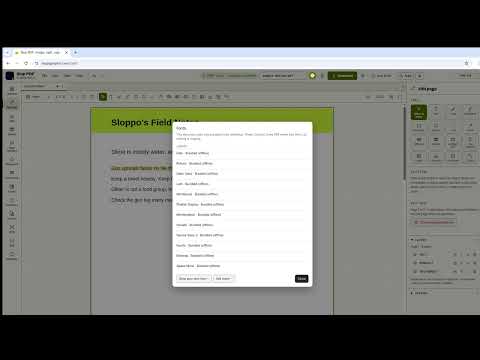
How to do it
- Drop the PDF on the page. Every page appears in the grid.
- Click a page, or Shift-click and Ctrl-click to select several. With nothing selected, rotation applies to every page.
- Choose Rotate left or Rotate right in the Organize panel, or press R and Shift+R.
- Drag pages to reorder them, or choose Delete to remove the ones you do not need.
- Choose Download to save the PDF.
Your files stay on this device: Slop PDF runs in your browser, with no upload, no account and no watermark.
Questions
Can I rotate just one page?
Yes. Select that page in the grid and rotate it; the other pages stay as they are.
Is the rotation saved in the file?
Yes. The downloaded PDF stores the new orientation, so it opens the right way up in any PDF reader.
Does rotating lower the quality?
No. Rotation changes how the page is shown, not its content, so text and pictures stay exactly as they were.
Can I undo a rotation?
Yes. Undo and redo work for every page change until you download.
More with Slop PDF
- Sign a PDF in your browser
- Fill in a PDF form
- Edit the text in a PDF
- Compress a PDF
- Redact a PDF
- A free Adobe Acrobat alternative in your browser
Related apps
 Slop OCR
Beta
Read text from images and scanned PDFs on your device. Nothing uploaded. Slop Press
Beta
InDesign, rebuilt for the browser.- Slop Compare
Beta
Compare two texts, files, PDFs or pictures and see every change. Nothing uploaded.