Slop Notes · free, in your browser
Convert Markdown to PDF
Paste a README or your notes in Markdown, check how they look in the preview, and save the rendered page as a PDF.
How to do it
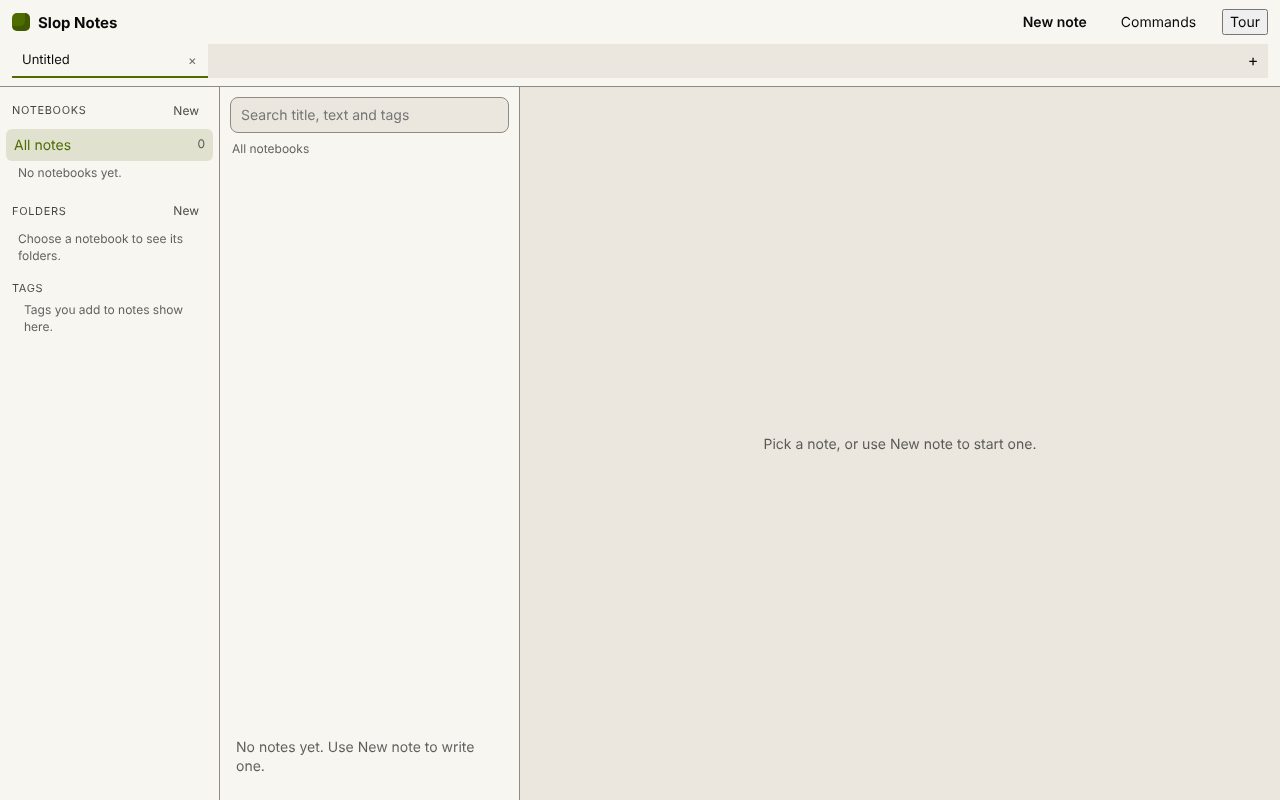
- Open Slop Notes and choose New note.
- Paste or type your Markdown, and give the note a title.
- Choose Preview to check the headings, tables and code blocks.
- Choose Export, Export as PDF (print view), then Save as PDF in the print dialog.
Your files stay on this device: Slop Notes runs in your browser, with no upload, no account and no watermark.
Questions
Is the PDF made on my device?
Yes. The note is laid out in a print view in your browser, and your browser's print dialog saves the PDF.
Can I get HTML or Word instead?
Yes. Export as HTML (.html) gives one standalone page, and Export as Word (.doc) a file Word opens.
Do images show in the PDF?
Pictures you insert with Insert block are stored in the note and print with it. Remote images are not loaded.
More with Slop Notes
Related apps
 Slop PDF
Live
Organise, edit and sign PDFs. Nothing uploaded. SlopLabel
Beta
Design and print barcode labels. Slop Reports
Beta
Totals and lists across Contacts, Invoices, Expenses and CRM, with profit by month. Read-only.