Slop Notes · free, in your browser
A Markdown editor with live preview
Write in Markdown and see the result beside it as you type. Slop Notes keeps your notes in notebooks and folders, with tags and search, all in this browser.
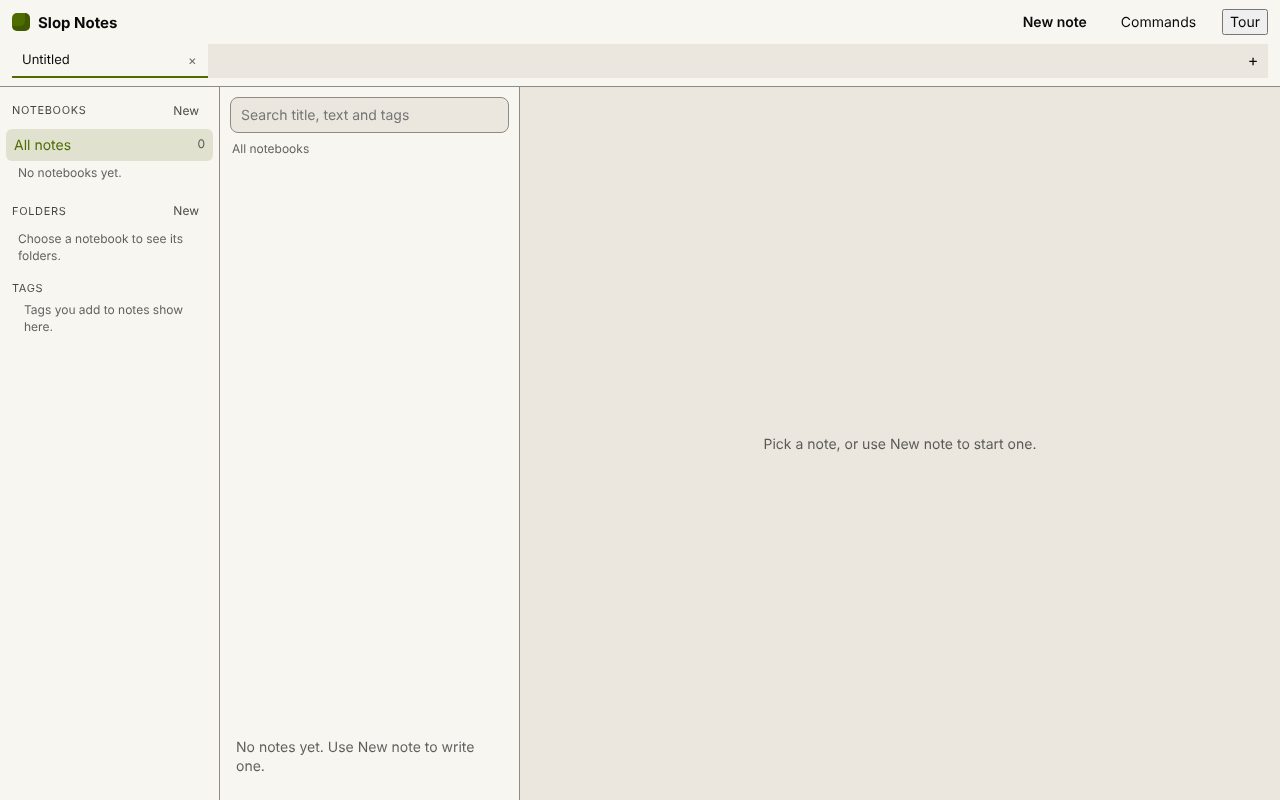
How to do it
- Open Slop Notes and choose New note.
- Choose Split to see the source and the preview side by side, or Write and Preview for one at a time (Ctrl+Alt+V).
- Type Markdown, or use Insert block for headings, tables, checklists, code blocks, callouts and links.
- Add tags, and pin the notes you use most.
- Choose Export for Markdown, HTML, plain text, PDF or Word.
Your files stay on this device: Slop Notes runs in your browser, with no upload, no account and no watermark.
Questions
Which Markdown works?
Headings, bold, italic, strike, code and fenced code, quotes, bulleted, numbered and task lists, rules, links, pipe tables and callouts.
Where are my notes saved?
In Slop Drive in this browser, about half a second after you stop typing. Nothing is sent to a server.
Can I paste a table from a web page or spreadsheet?
Yes. A pasted HTML table becomes a Markdown table.
Can I export a whole notebook?
Yes. Export it as a ZIP of Markdown or HTML files, with its folders kept.
More with Slop Notes
Related apps
 Slop PDF
Live
Organise, edit and sign PDFs. Nothing uploaded. SlopLabel
Beta
Design and print barcode labels. Slop Reports
Beta
Totals and lists across Contacts, Invoices, Expenses and CRM, with profit by month. Read-only.