Slop Music · free, in your browser
Play FLAC files in your browser
Add your FLAC albums to Slop Music and play them with no software to install. Your browser decodes the lossless files, and playlists, shuffle and the controls work as for any track.
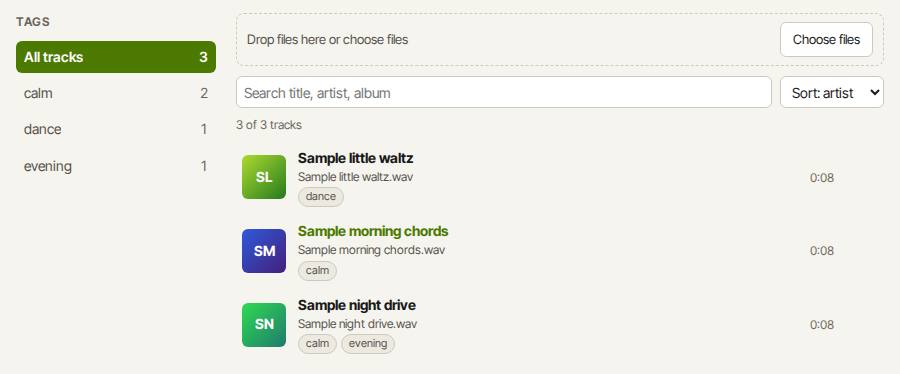
How to do it
- Open Slop Music, press Add files… and pick your .flac files. MP3, WAV and M4A can go in too.
- Click a track to play it. Click the waveform to seek; Space pauses and the arrow keys seek 5 seconds.
- Make a playlist on Playlists and save it to Slop Drive as a .splaylist file.
Your files stay on this device: Slop Music runs in your browser, with no upload, no account and no watermark.
Questions
Which browsers play FLAC?
Chrome, Edge and Firefox play FLAC, and so does Safari from version 11. Slop Music has no decoder of its own; it uses the one in your browser.
Does it read FLAC tags?
Yes. Title, artist, album, track number, year and genre are read from the Vorbis comments in the FLAC file, and the embedded front cover is shown. Ogg Vorbis and Opus tags are read the same way. A track with no tags shows its file name as the title.
Is the sound converted?
No. The file is played as it is by your browser's own decoder; Slop Music does not re-encode it.
More with Slop Music
Related apps
 PhotoSlop
Live
Photoshop, rebuilt for the browser. SlopVector
Live
Illustrator, rebuilt for the browser. SlopIsolate
Beta
Remove backgrounds with AI that runs on your device.