Slop Invoices · free, in your browser
Free invoice generator with templates and PDF
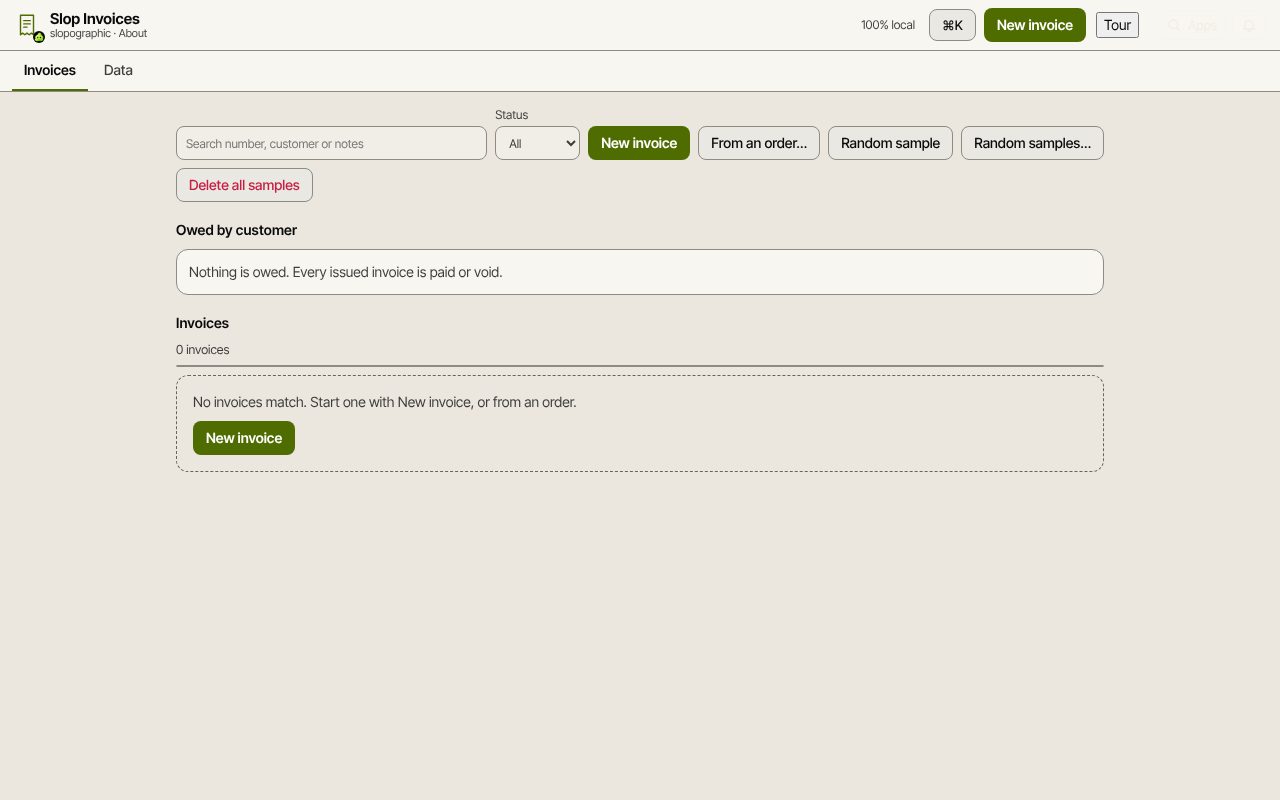
Write an invoice, issue it with the next number, and download a PDF or print it. Slop Invoices keeps your customers, invoices and payments in this browser, with no account to make.
How to do it
- Choose New invoice, then pick a customer or add one with New customer.
- Choose Add line for each item: description, Qty, Unit price, Tax % and Discount %. The totals show the subtotal, the tax at each rate and the total.
- Set the invoice date and the due date (it starts at the date plus your payment terms), add any notes, and Save.
- Choose Issue… to give the invoice its number (INV-0001, then INV-0002 and on, with no gaps).
- Choose Export PDF for an A4 file in the invoice's template, or Preview / print to print it.
- When the customer pays, choose Record payment… A part payment leaves the rest owing; the last one marks it Paid.
Five templates are built in: classic, modern, minimal, bold header and side bar. Your company name, address and tax number come from the company profile in Slop Admin and appear on every invoice and PDF.
Your data is kept in this browser on this device. Download a full backup from the Data tab now and then, and restore it on another computer if you move.
Your files stay on this device: Slop Invoices runs in your browser, with no upload, no account and no watermark.
Questions
Is it really free, with no account?
Yes. Slop Invoices runs in your browser. There is no sign-up, no limit on the number of invoices, and no watermark on the PDF.
Where are my invoices stored?
In this browser on this device, in the same local store as the other Slop business apps. Nothing is sent to a server. Use Download full backup to keep a copy.
Can I change an invoice after it is issued?
No: an issued invoice is read only, as books need. While it has no payments you can void it (the number stays used), or take money back with a credit note.
Can I start from an order or a quote?
Yes. From an order… makes a draft from a confirmed or fulfilled order in Slop Orders, and an accepted quote in Slop Quotes becomes a draft invoice in one click.
More with Slop Invoices
- Make an invoice with VAT or sales tax
- Recurring invoices every week or month
- Make a credit note for an invoice
- Customer statement and payment reminders
- A free Wave alternative for invoicing, in your browser
Related apps
 Slop PDF
Live
Organise, edit and sign PDFs. Nothing uploaded. SlopLabel
Beta
Design and print barcode labels. Slop Reports
Beta
Totals and lists across Contacts, Invoices, Expenses and CRM, with profit by month. Read-only.