Slop Drive · free, in your browser
Find duplicate files and similar photos
Put a folder into Slop Drive and the duplicate finder groups the files that are identical byte for byte, plus photos that look nearly the same. You choose which copy to keep.
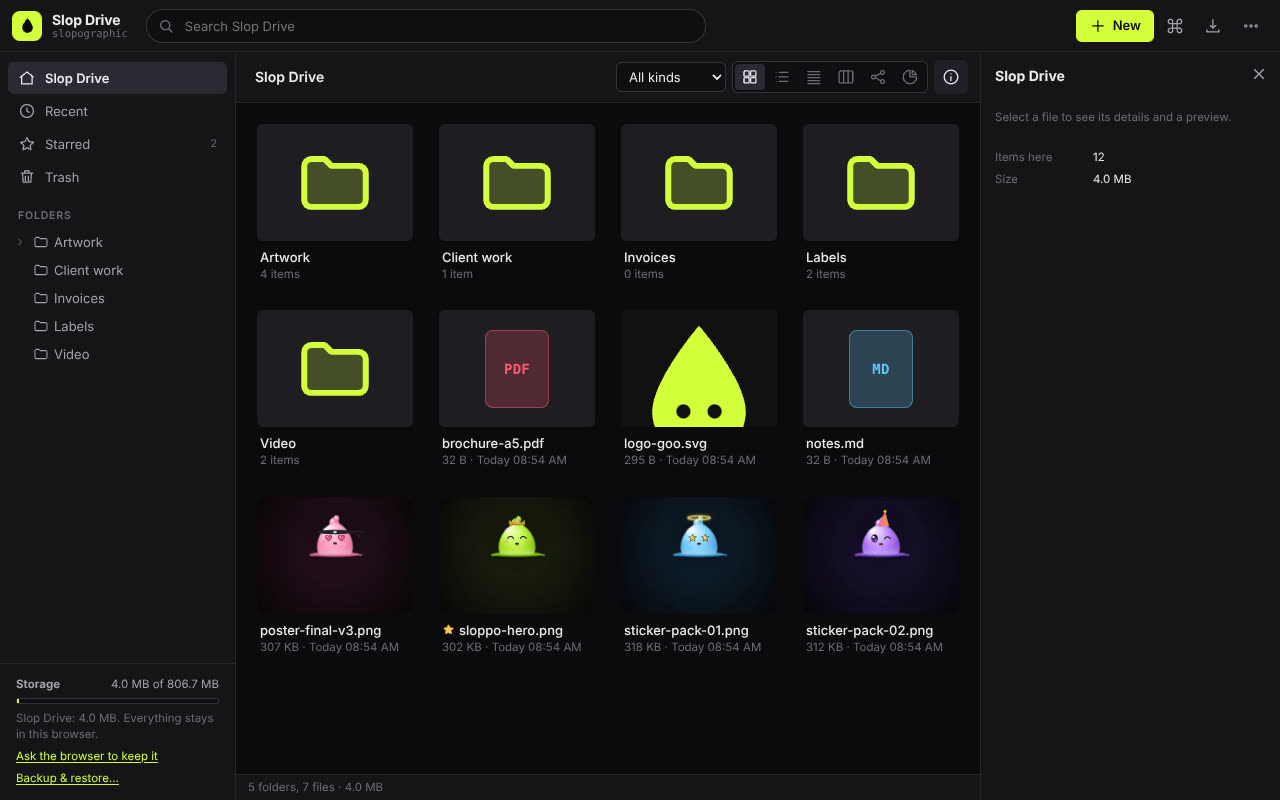
How to do it
- Open Slop Drive, press New and choose Upload a folder…, or drop a folder on the page. The files are copied into your browser's storage, not sent anywhere.
- Open the More menu (…) and choose Find duplicates….
- Read the groups: identical files with the space they waste, then Similar images.
- In a group, pick the copy to keep and press Trash the others, or choose Keep newest everywhere or Keep oldest everywhere.
- Untick anything in the review list you want to keep, then confirm. Files can be restored from the Trash.
Identical files are found by size first and then by a SHA-256 hash, so two files only count as duplicates when every byte matches. Similar images are compared with a small picture fingerprint, which tends to catch resized or re-saved copies of the same photo; check those before you trash them.
Your files stay on this device: Slop Drive runs in your browser, with no upload, no account and no watermark.
Questions
Does it delete files from my computer?
No. It works on the files in Slop Drive, which are copies kept in your browser. The originals on your disk are not touched.
How does it know two files are the same?
Files of the same size are hashed with SHA-256, and only files with the same hash are grouped. Different files with the same name are never mixed up.
Is there a size limit?
Only your browser's storage space. The storage meter in the sidebar shows how much is used.
More with Slop Drive
Related apps
 Slop PDF
Live
Organise, edit and sign PDFs. Nothing uploaded. SlopLabel
Beta
Design and print barcode labels. Slop Reports
Beta
Totals and lists across Contacts, Invoices, Expenses and CRM, with profit by month. Read-only.