Slop Calendar · free, in your browser
A private Google Calendar alternative
Slop Calendar is a free calendar that keeps every event in your browser, on your device. It has year, month, week, day and agenda views, repeats, time zones, reminders and .ics files.
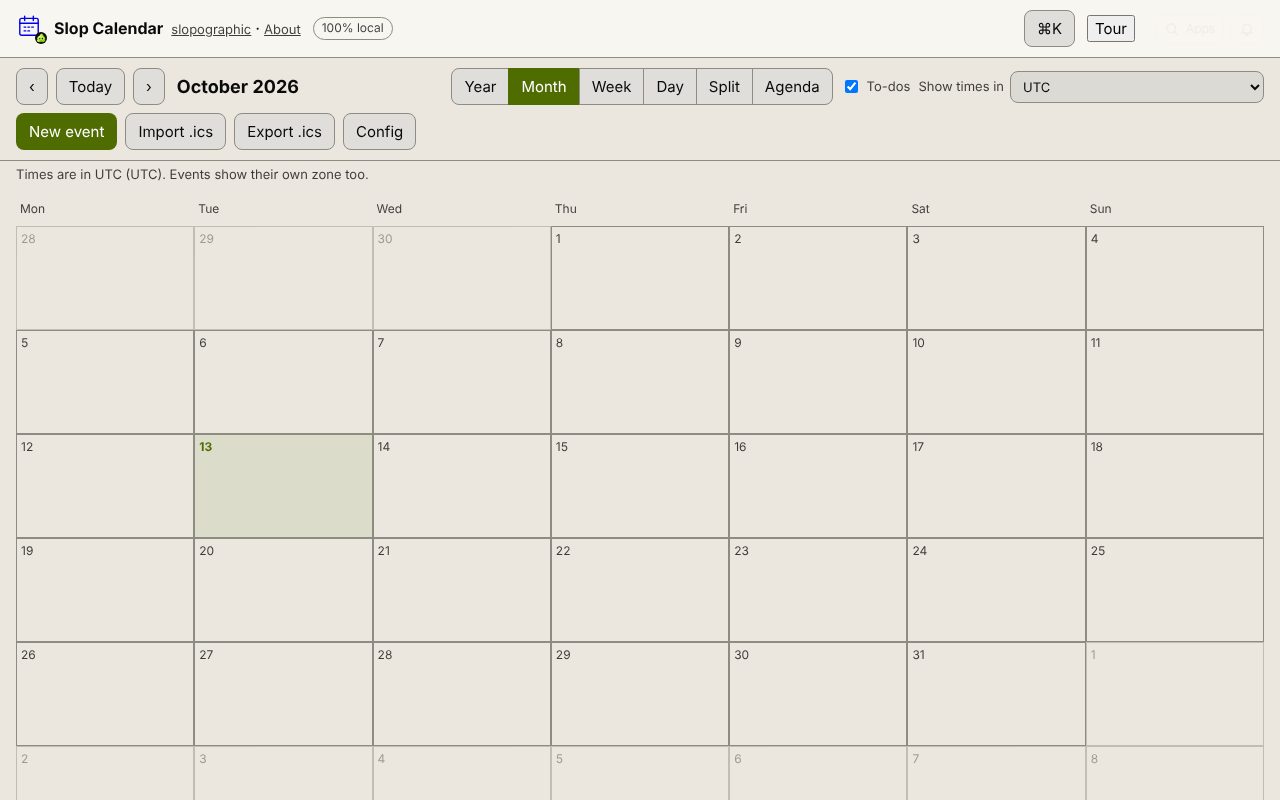
How to do it
- Open Slop Calendar. There is no account to create.
- If your current calendar can export an .ics file, press Import .ics and bring the events in.
- Press New event (or N) to add one, with a time zone, a repeat and a reminder.
- Drag events to move them, and drag the bottom edge in Week or Day view to change the length.
- Press Export .ics now and then to keep a copy of everything.
Because nothing is stored on a server, Slop Calendar does not sync between your devices, send invitations or share a calendar with other people. It suits a calendar on one computer that you would rather keep to yourself.
Your files stay on this device: Slop Calendar runs in your browser, with no upload, no account and no watermark.
Questions
Is Slopographic connected to Google?
No. Slopographic is not affiliated with Google. Google Calendar is a trademark of its owner, named here only for comparison.
Does it sync with my phone?
No. Events are stored in this browser on this device. To move them, export an .ics file and import it in the other calendar.
Can I see my to-do list in it?
Yes. Tick To-dos and the Slop To-do tasks that have a due time show on the calendar; completing one there completes it in To-do too.
Does it remind me of events?
Yes, while Slop Calendar, To-do or Reminders is open in a tab: give the event a Reminder and a pop-up appears, or a browser notification if you allow them.
More with Slop Calendar
Related apps
 Slop PDF
Live
Organise, edit and sign PDFs. Nothing uploaded. SlopLabel
Beta
Design and print barcode labels. Slop Reports
Beta
Totals and lists across Contacts, Invoices, Expenses and CRM, with profit by month. Read-only.