Slopculator · free, in your browser
Time calculator: add and subtract hours and minutes
Add up shift lengths, find how long a working day was, or work out the time 2 h 45 min from now. Type it as a sum and Slopculator does the clock arithmetic.
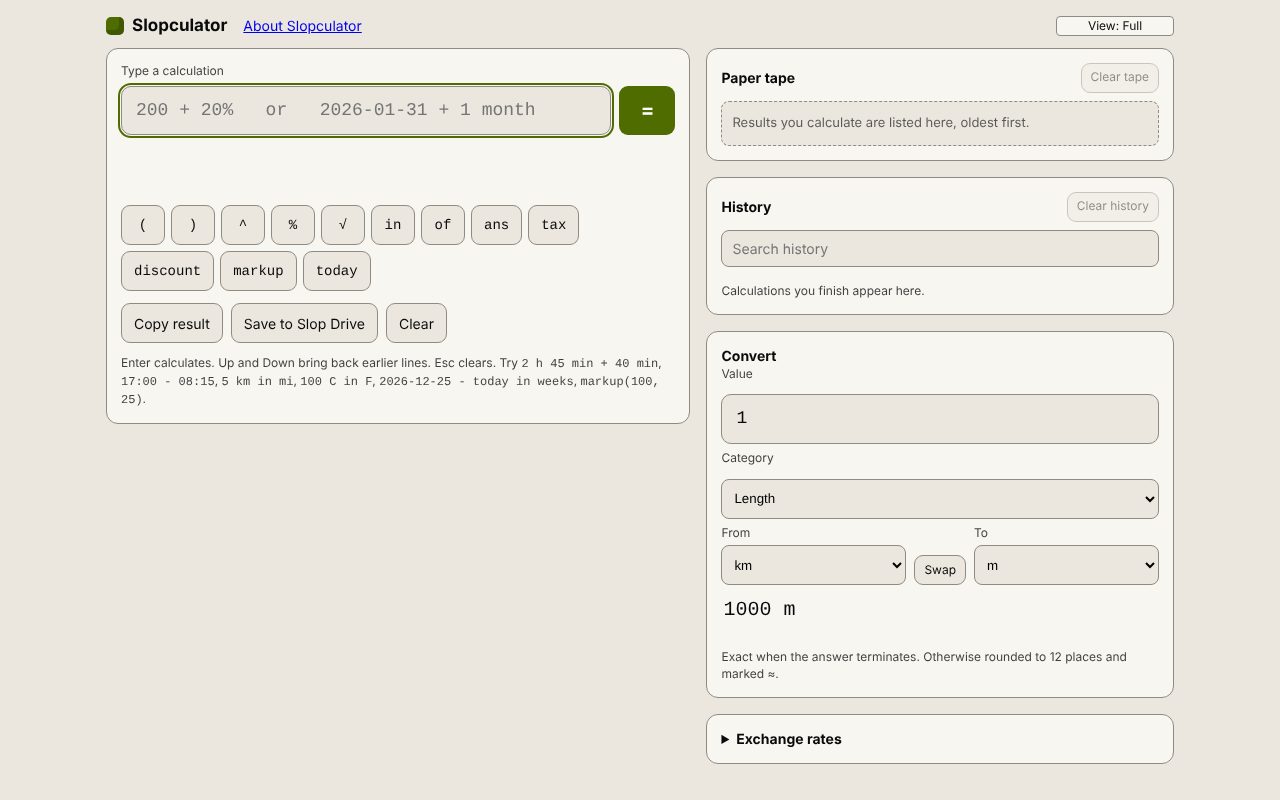
How to do it
- Open Slopculator and click in Type a calculation.
- To add durations, type them with h and min: 7h 30min + 8h 15min gives 15 h 45 min.
- For the time between two clock times, subtract them: 17:00 - 08:15 gives 8 h 45 min.
- To find a clock time, add a duration to a time: 09:30 + 2h 45m gives 12:15.
- Press Enter to keep each line on the paper tape, and type ans to carry on from the last answer.
Your files stay on this device: Slopculator runs in your browser, with no upload, no account and no watermark.
Questions
How do I write minutes?
Use min, mins or minutes, such as 45 min. Straight after an hour, m also means minutes (2h 45m), but a lone 45m reads as 45 metres.
What about times past midnight?
Clock times wrap around midnight, so 23:00 + 2h gives 01:00.
Can I add up a week of hours?
Yes. Type the days as one sum, such as 8h + 7h 30min + 9h 15min, or press Enter after each and go on with ans plus the next one.
Is my history kept?
Your last 200 calculations are kept in this browser under History, where you can search them. The paper tape is cleared when you leave the page.
More with Slopculator
Related apps
 Slop PDF
Live
Organise, edit and sign PDFs. Nothing uploaded. SlopLabel
Beta
Design and print barcode labels. Slop Reports
Beta
Totals and lists across Contacts, Invoices, Expenses and CRM, with profit by month. Read-only.