Slopculator · free, in your browser
Percentage calculator
Type percentages the way you say them: 20% of 150, 200 + 20%, 200 - 15%. Slopculator shows the answer as you type and keeps each line on a paper tape.
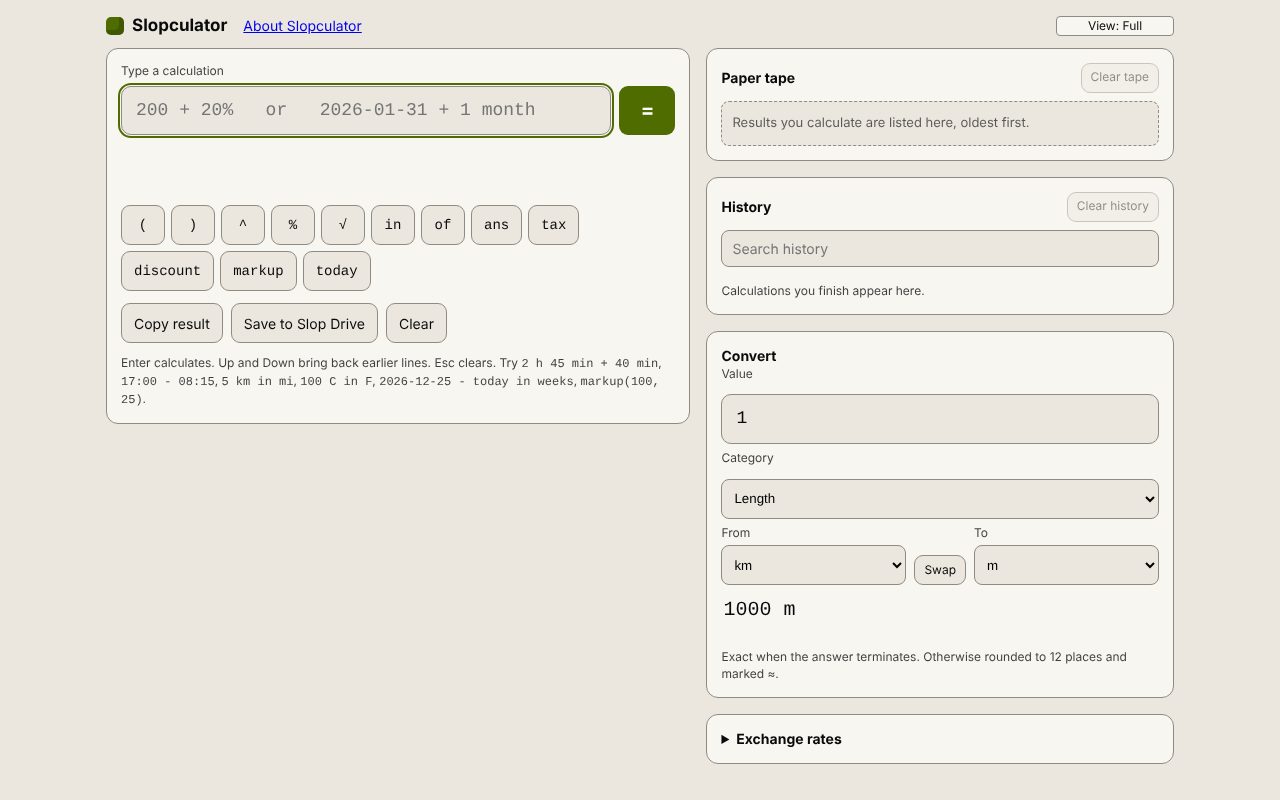
How to do it
- Open Slopculator and click in Type a calculation.
- For a percentage of a number, type 20% of 150 (the answer is 30).
- To add or take off a percentage, type 200 + 20% (240) or 200 - 15% (170).
- For tax, discount and markup there are helpers: tax(200, 8) is 216, discount(200, 15) is 170 and markup(100, 25) is 125.
- To find what percent one number is of another, divide and multiply by 100: 30 / 150 * 100 is 20.
Your files stay on this device: Slopculator runs in your browser, with no upload, no account and no watermark.
Questions
Does 200 + 20% mean 200.2 or 240?
It means 240: a percentage after + or - is a percentage of the number before it, as on a shop calculator.
How do I type large numbers?
Without thousands separators: type 1000, not 1,000. The comma separates the values inside tax, discount and markup.
Can I name a value and use it again?
Yes. Type price = 19.99; price * 3 and the name is kept under Variables, ready for the next calculation.
More with Slopculator
- Date calculator: days between two dates
- Time calculator: add and subtract hours and minutes
- Unit converter with exact factors
Related apps
 Slop PDF
Live
Organise, edit and sign PDFs. Nothing uploaded. SlopLabel
Beta
Design and print barcode labels. Slop Reports
Beta
Totals and lists across Contacts, Invoices, Expenses and CRM, with profit by month. Read-only.