Slop AI · free, in your browser
Run a local AI model in your browser
Slop AI runs open models such as Llama 3.2, Qwen2.5, Phi-3.5 mini and Gemma 2 on your own graphics card, through WebGPU. After a one-time download, the model answers on your device.
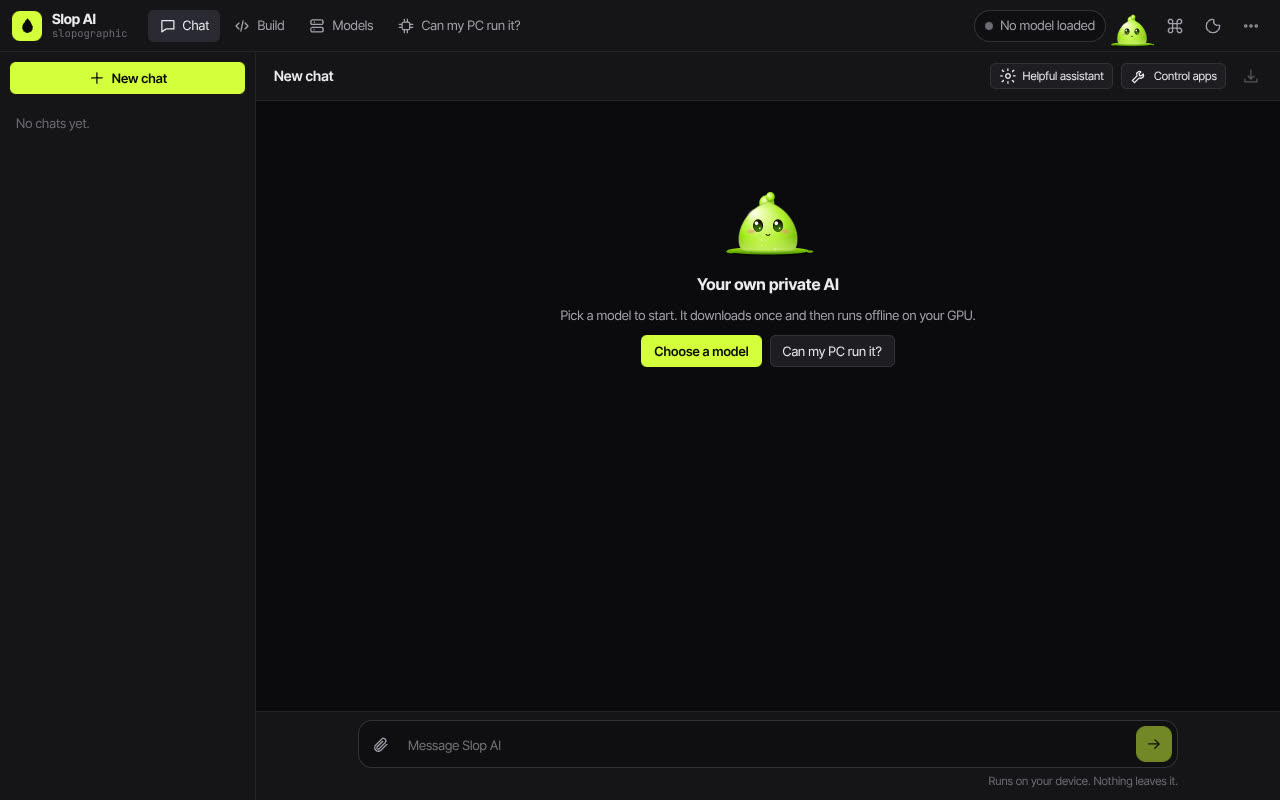
How to do it
- Open Slop AI from this page: it starts on Models. Each model shows its download size, the GPU memory it needs, its licence and a verdict for your PC.
- Pick a model and press Download. Qwen2.5 0.5B is about 290 MB; the 7B models are about 4.3 GB.
- Confirm the download. It comes from huggingface.co once and is kept in your browser; you can pause it and carry on later.
- Go to Chat and type. Replies stream in, with the tokens per second under each one.
- Press Set default, and the model loads by itself on your next visit.
Your files stay on this device: Slop AI runs in your browser, with no upload, no account and no watermark.
Questions
What do I need?
A browser with WebGPU, such as a recent Chrome or Edge, and enough GPU memory for the model: about 1 GB for the smallest and about 5 GB for the 7B models. The Can my PC run it? tab checks for you.
Does it need the internet after the download?
The model loads from your browser's storage and runs on your GPU, so the chat itself makes no network requests. Only the download needs a connection.
Are my chats sent anywhere?
No. Replies are generated on your device and conversations are stored in your browser. You can export them as Markdown or JSON, or save them to Slop Drive.
Can it read images?
Not yet: the local models read text only. You can attach text files, and the first 24,000 characters of each are given to the model.
More with Slop AI
Related apps
- Slop Compare
Beta
Compare two texts, files, PDFs or pictures and see every change. Nothing uploaded.  Slop PDF
Live
Organise, edit and sign PDFs. Nothing uploaded. SlopLabel
Beta
Design and print barcode labels.