Slop Press · free, in your browser
A free InDesign alternative in your browser
For flyers, zines, magazines and business cards, without an install or a subscription. Slop Press works like a desktop layout app, with familiar menu names, and your documents stay on your computer.

How to do it
- Set up the document: page size, margins and columns, bleed and slug, and facing pages for spreads.
- Build master pages and apply them to pages; add page numbers with Insert Current Page Number.
- Thread text frames, place long text, and set it with paragraph and character styles, drop caps, hyphenation and a baseline grid.
- Place images into frames and wrap text around them.
- Export a PDF with bleed, crop marks and embedded fonts, or PNG and JPEG pages.
Not there yet: tables, tab stops, footnotes, spot colours, gradients and opening InDesign or IDML files.
Your files stay on this device: Slop Press runs in your browser, with no upload, no account and no watermark.
Questions
Is Slop Press free?
Yes. There is no plan, no account and no watermark on the PDF.
Can it open .indd or .idml files?
No. It opens its own .slpress files, and can place pictures, text, fonts and PDF pages (as images).
Is Slop Press made by Adobe?
Slopographic is not affiliated with Adobe. InDesign is a trademark of its owner, and the name is used here only to say what this app can stand in for.
More with Slop Press
Related apps
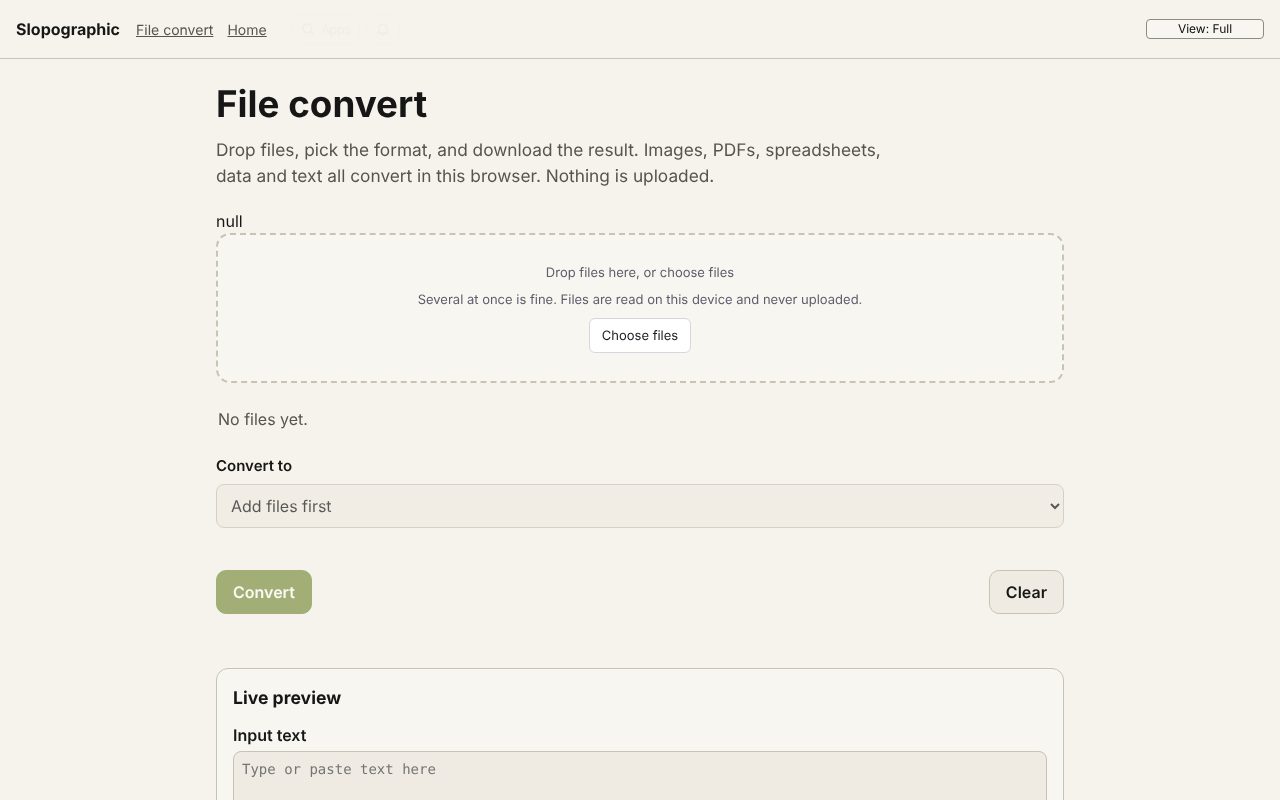 File convert
In development
Images, PDFs, data and text, converted on your device. Slop PDF
Live
Organise, edit and sign PDFs. Nothing uploaded. Slop OCR
Beta
Read text from images and scanned PDFs on your device. Nothing uploaded.