Slop Image to 3D guide
Getting started with Slop Image to 3D
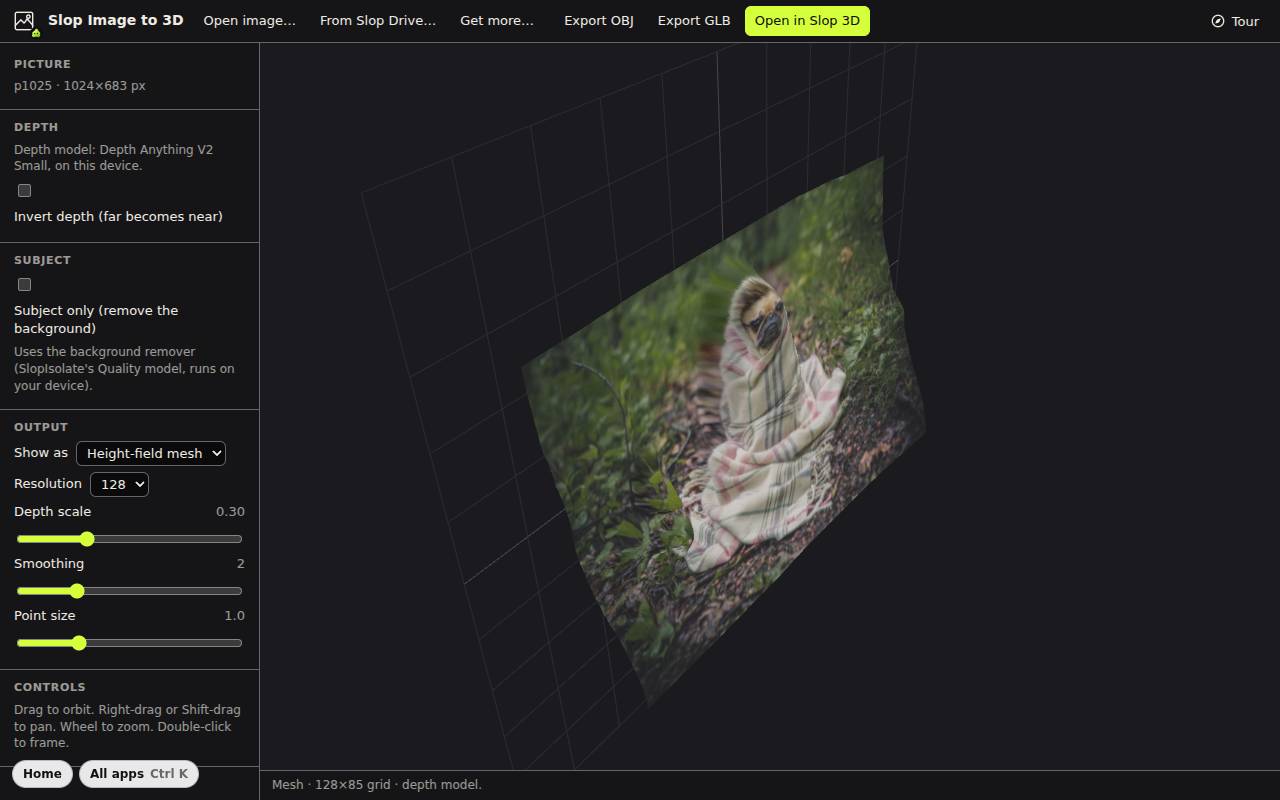
Slop Image to 3D guesses how far away each part of a picture is and turns it into a 3D surface. It runs in your browser.
Open a picture
- Click Open image…, drop a picture on the view, or click From Slop Drive….
- For real depth, click Get more… once and download the depth model (Depth Anything V2 Small). Without it, the app uses the brightness of the picture, and it says so.
- The 3D result shows in the view. Drag to orbit, right-drag or Shift-drag to pan, use the wheel to zoom, and double-click to frame it.
Shape the result
Show as picks a Height-field mesh, a Point cloud or Splats. Resolution sets how fine the grid is (64 to 256).
Depth scale makes it deeper or flatter, Smoothing evens out the surface, and Point size is for points and splats.
Invert depth swaps near and far. Subject only removes the background first, with the same model as SlopIsolate.
Export
Export OBJ and Export GLB download the model. Open in Slop 3D sends it to the 3D editor, where you can place it in a scene.
Tip: This makes a surface seen from the front, not a full model you can walk around. The back is empty.