Slop Compare · free, in your browser
Compare two PDF files
Two versions of the same PDF look alike. Slop Compare reads the text of both, page by page, and shows what changed; or it lays the pages over each other and boxes the differences.
How to do it
- Drop the two PDFs on the page, the original first. Or use Open… on A and on B.
- The text of every page is compared: changed words are marked, and each part says which page it is on.
- For drawings, stamps or layout changes, choose PDF view: Pages in the panel. Each page is drawn as a picture and the changed areas are boxed.
- Pick a page from the list, or use Next to jump to the next page that changed.
- Choose Export to download a report as HTML or PDF.
Your files stay on this device: Slop Compare runs in your browser, with no upload, no account and no watermark.
Questions
Is anything uploaded?
No. Both files are read by the page in your browser and never leave your device.
Can it compare scanned PDFs?
A scan has no text, so compare its pages as pictures (PDF view: Pages). To compare the words of a scan, read it with Slop OCR first.
How many pages?
The text of every page. As pictures, the first 40 pages.
Does it work with password-protected PDFs?
Not while locked. Remove the password in File convert or Slop PDF first.
More with Slop Compare
- Compare two texts and see what changed
- Compare two images and find the differences
- Compare two JSON or CSV files
Related apps
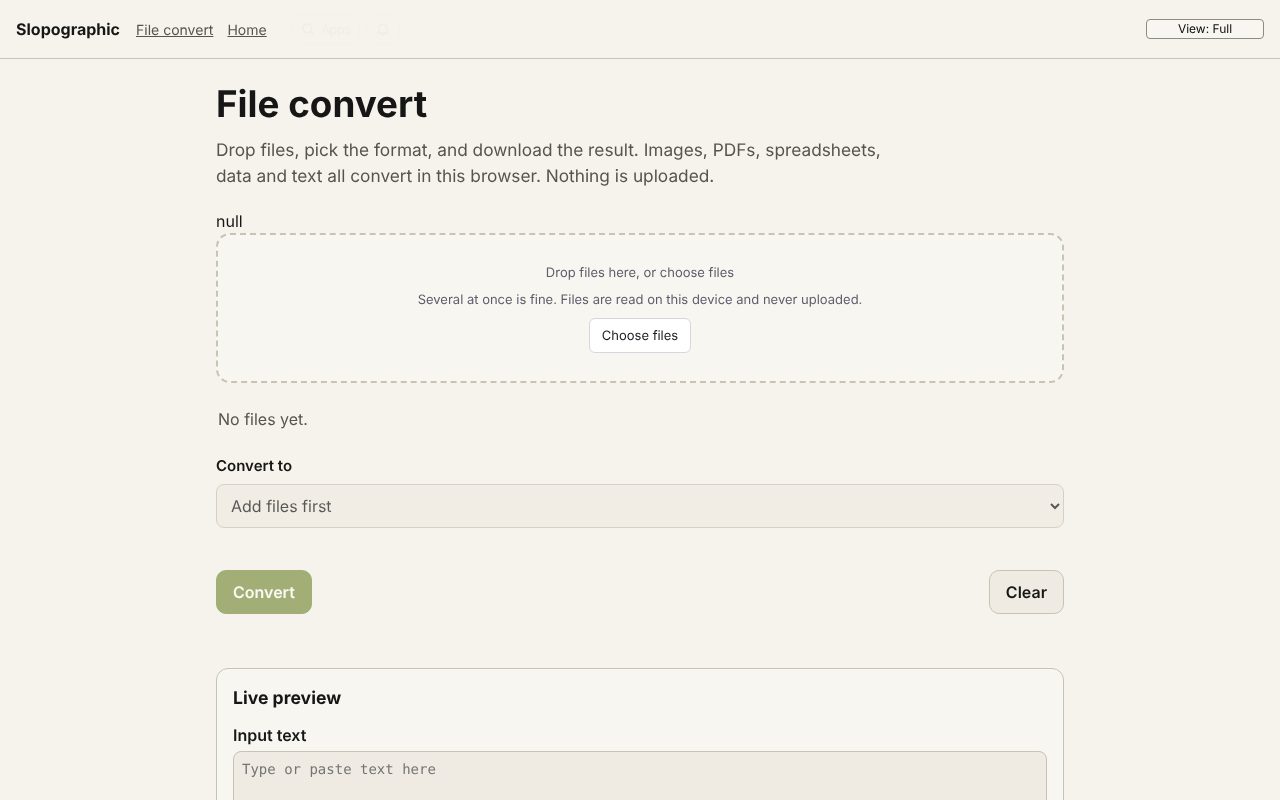 File convert
In development
Images, PDFs, data and text, converted on your device. Slop PDF
Live
Organise, edit and sign PDFs. Nothing uploaded. Slop OCR
Beta
Read text from images and scanned PDFs on your device. Nothing uploaded.