Slop CRM · free, in your browser
Track customer follow-ups
Promised to call back on Thursday? Set it as the customer's follow-up date. The Follow-ups tab puts overdue ones first, then today, then later.
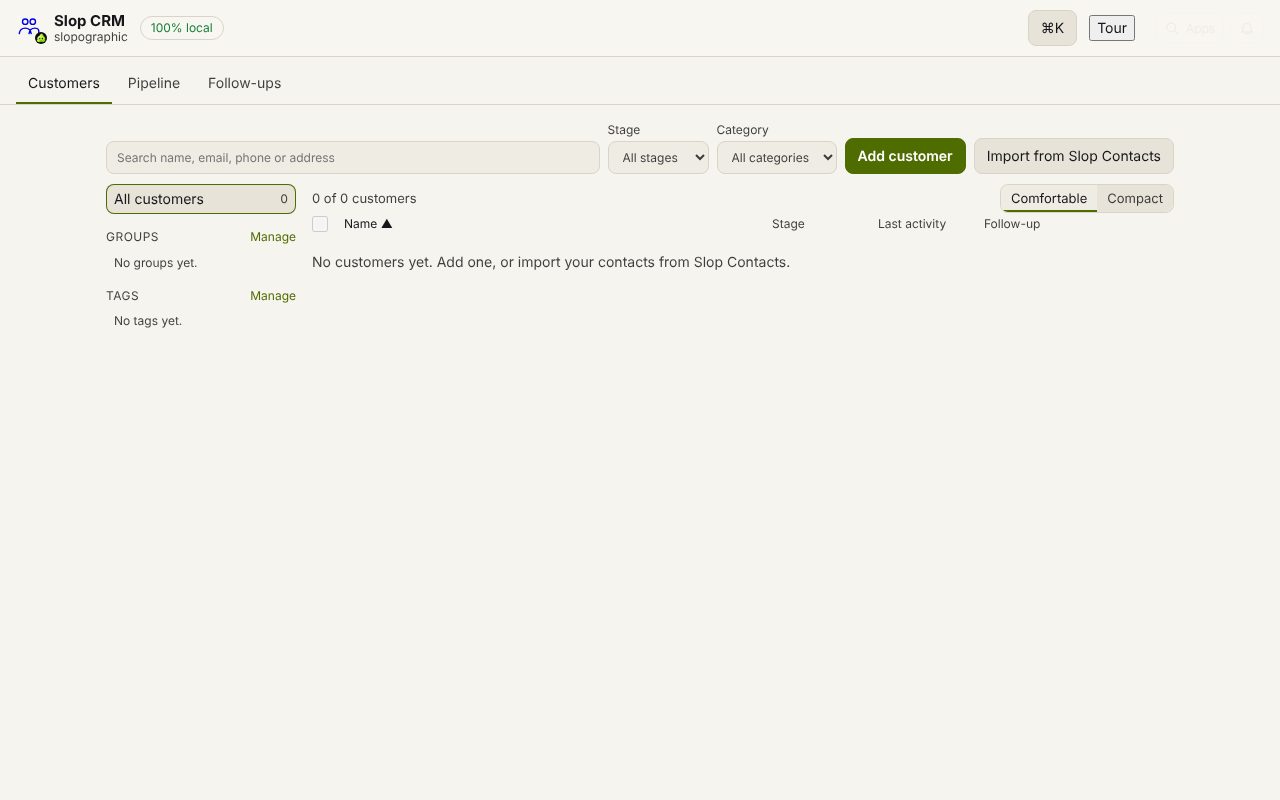
How to do it
- Open a customer and set the Follow-up date.
- Open the Follow-ups tab: overdue first, then today, then the rest by date.
- After the call, add a note of what happened with its date.
- Choose Done to clear the follow-up, or set the next date.
Your files stay on this device: Slop CRM runs in your browser, with no upload, no account and no watermark.
Questions
Will I get a reminder?
The list is in the app; it does not send email or push notifications by itself. Open the Follow-ups tab each morning, or see Follow-ups due in the next 14 days in Slop Reports.
Where do my notes go?
Each note is a dated line on the customer, shown newest first on their page. The same notes show in Slop Contacts.
Can I see follow-ups for one group only?
Use the sidebar to pick a group or a tag in the Customers tab, and sort by Follow-up.
More with Slop CRM
- A simple, free CRM with no sign-up
- Track leads on a sales pipeline board
- A free HubSpot CRM alternative, in your browser
Related apps
 Slop PDF
Live
Organise, edit and sign PDFs. Nothing uploaded. SlopLabel
Beta
Design and print barcode labels. Slop Reports
Beta
Totals and lists across Contacts, Invoices, Expenses and CRM, with profit by month. Read-only.