Slop Scan · Beta
Document scanner: photo to PDF
Photos of pages to a clean PDF: edges found, shadows gone. Nothing uploaded.
Nothing to install: just open it in the browser on your phone, tablet or computer. It keeps working without internet after your first visit. Want an icon on your home screen? On iPhone or iPad, tap Share, then Add to Home Screen. On Android, open the browser menu and tap Add to Home screen. On a computer, click the install icon in the address bar.
Slop Scan has these main features: Take photos or add them, several pages at once; iPhone HEIC too; Edges found and the page made flat; drag the corners with a magnifier. It opens Any image.
Beta: still being tested, so some parts may change.
Feature matrix
| Feature | Status | File types |
|---|---|---|
| Take photos or add them, several pages at once; iPhone HEIC too | Beta | Any image |
| Edges found and the page made flat; drag the corners with a magnifier | Beta | Any image |
| Colour, greyscale, black & white and photo looks that take out shadows | Beta | Any image |
| A4, Letter or the scan's own shape, margins and quality; searchable text with OCR | Beta | Any image |
| One PDF, or the pages as JPG and PNG; open it in Slop PDF | Beta | Any image |
File types
Slop Scan opens Any image.
Related apps
 Slop PDF
Live
Organise, edit and sign PDFs. Nothing uploaded. SlopLabel
Beta
Design and print barcode labels. Slop OCR
Beta
Read text from images and scanned PDFs on your device. Nothing uploaded.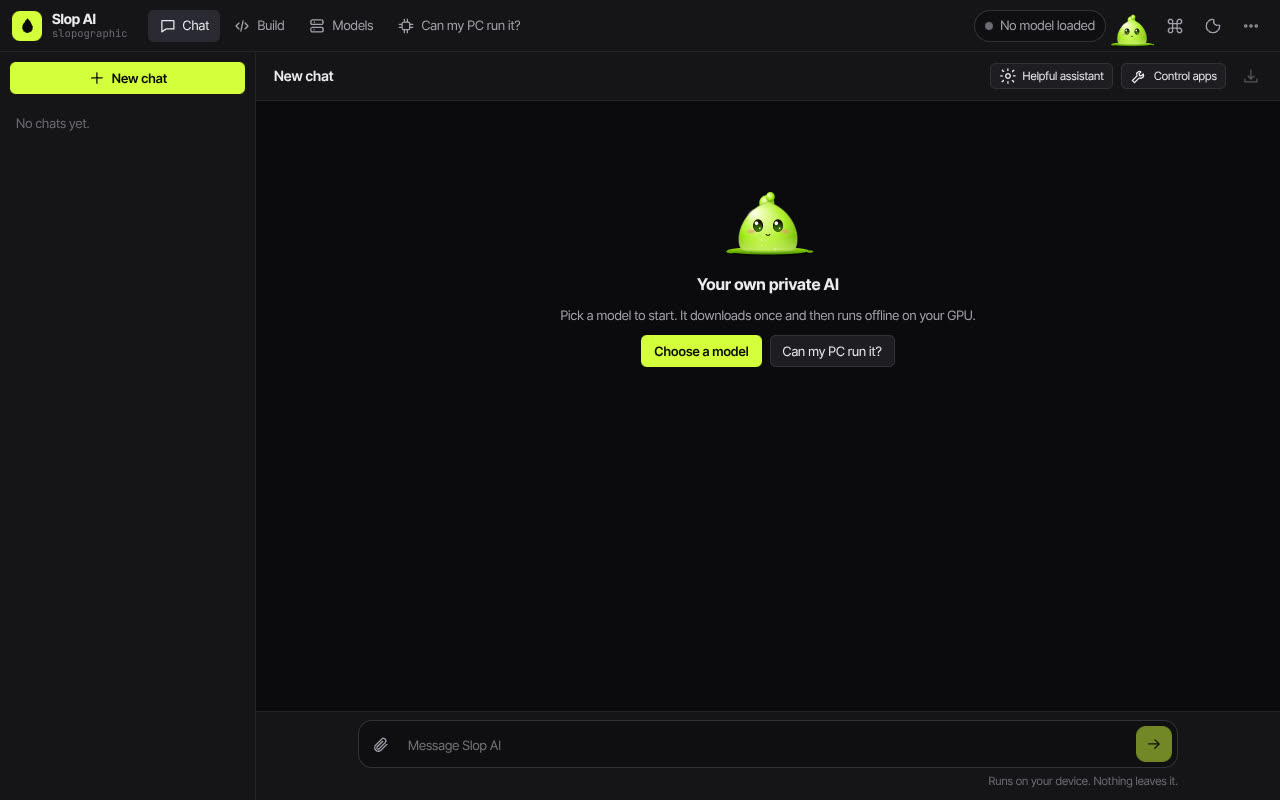 Slop AI
Beta
Chat with an AI that runs on your own computer.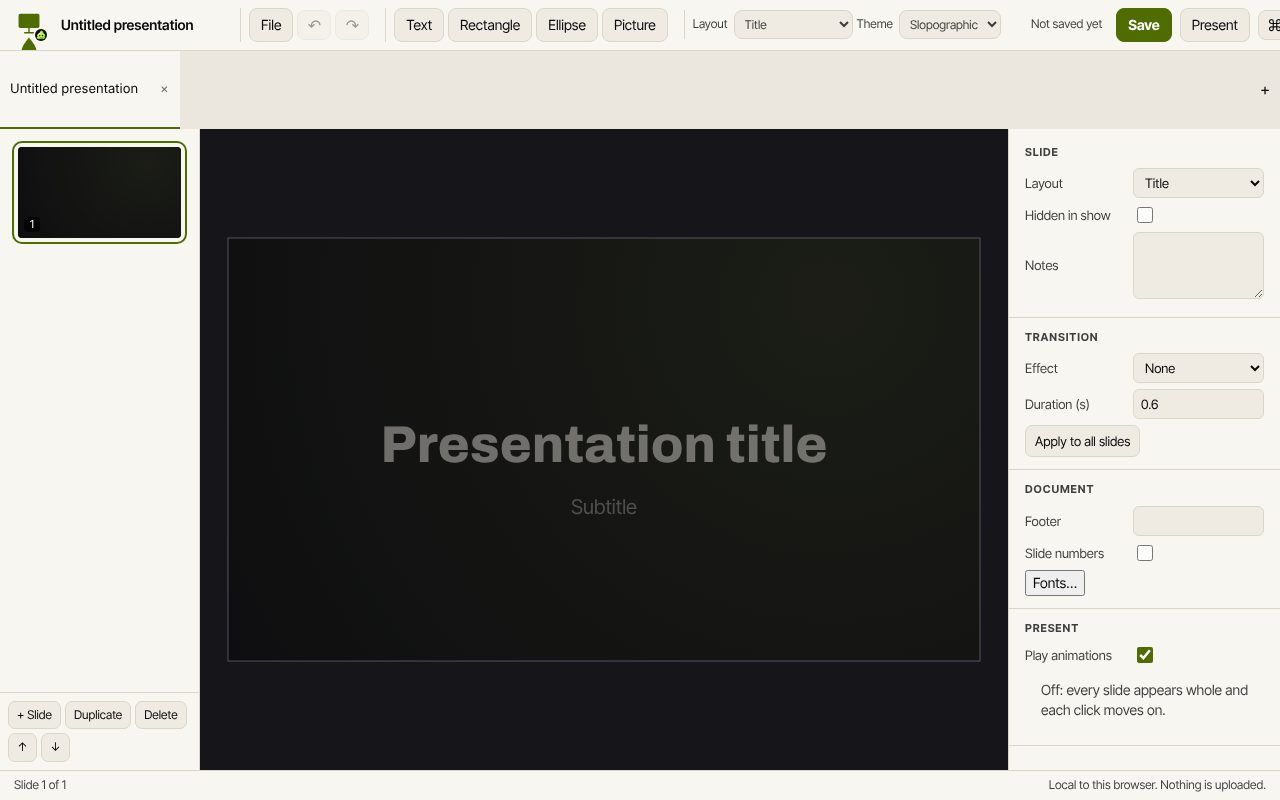 Slop Slides
In development
Keynote and PowerPoint, rebuilt for the browser. Slop Press
Beta
InDesign, rebuilt for the browser.