Slop Scan · Beta 版
Document scanner: photo to PDF
Photos of pages to a clean PDF: edges found, shadows gone. Nothing uploaded.
不需安裝:直接在手機、平板或電腦的瀏覽器中開啟即可。第一次造訪後,離線也能繼續使用。想在主畫面放一個圖示嗎?在 iPhone 或 iPad 上,點選「分享」,再點選「加入主畫面」。在 Android 上,開啟瀏覽器選單並點選「新增至主畫面」。在電腦上,按一下網址列中的安裝圖示。
Slop Scan 的主要功能包括:Take photos or add them, several pages at once; iPhone HEIC too; Edges found and the page made flat; drag the corners with a magnifier。 可開啟 任何圖片。
Beta 版:仍在測試中,因此部分內容可能會變動。
功能比較表
| 功能 | 狀態 | 檔案類型 |
|---|---|---|
| Take photos or add them, several pages at once; iPhone HEIC too | Beta 版 | 任何圖片 |
| Edges found and the page made flat; drag the corners with a magnifier | Beta 版 | 任何圖片 |
| Colour, greyscale, black & white and photo looks that take out shadows | Beta 版 | 任何圖片 |
| A4, Letter or the scan's own shape, margins and quality; searchable text with OCR | Beta 版 | 任何圖片 |
| One PDF, or the pages as JPG and PNG; open it in Slop PDF | Beta 版 | 任何圖片 |
檔案類型
Slop Scan 可開啟 任何圖片。
相關應用程式
 Slop PDF
上線中
整理、編輯與簽署 PDF。不會上傳任何內容。 SlopLabel
Beta 版
設計並列印條碼標籤。 Slop OCR
Beta 版
在您的裝置上從圖片與掃描 PDF 辨識文字。不會上傳任何內容。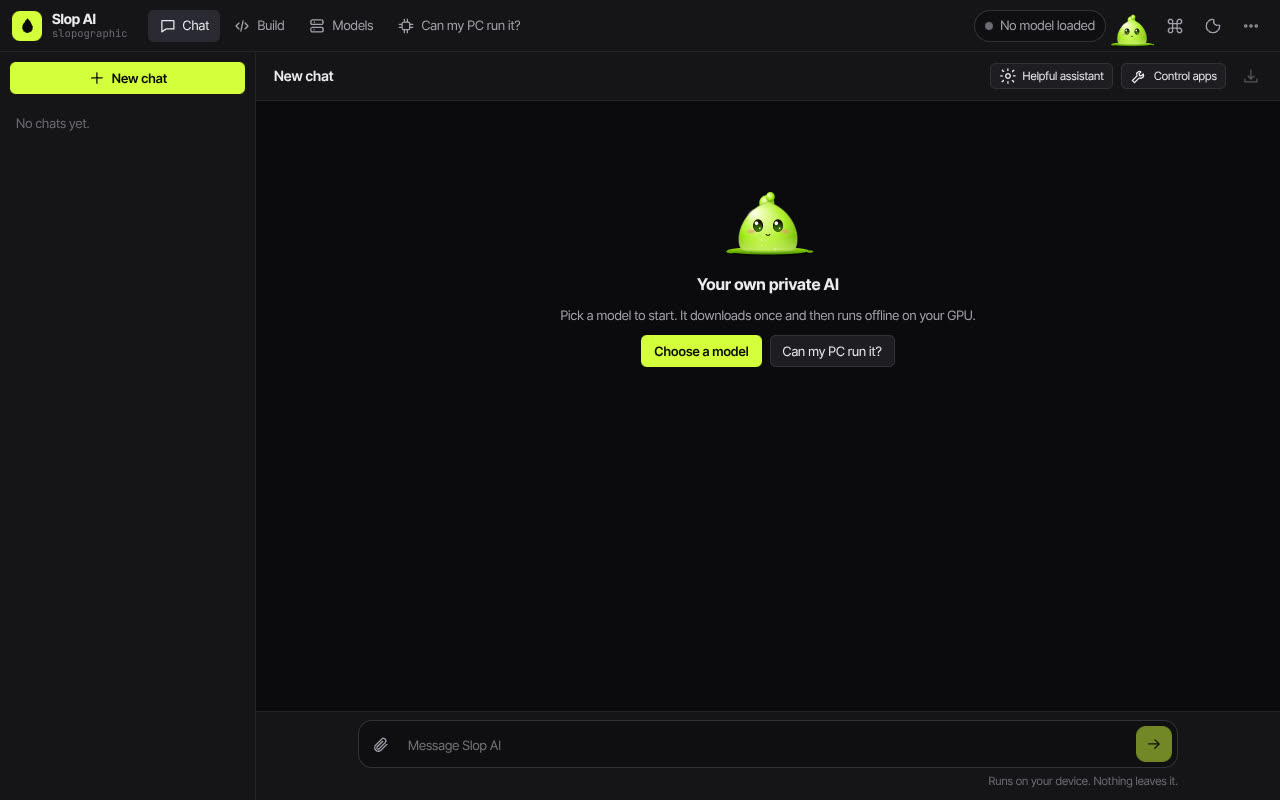 Slop AI
Beta 版
與在您自己電腦上執行的 AI 聊天。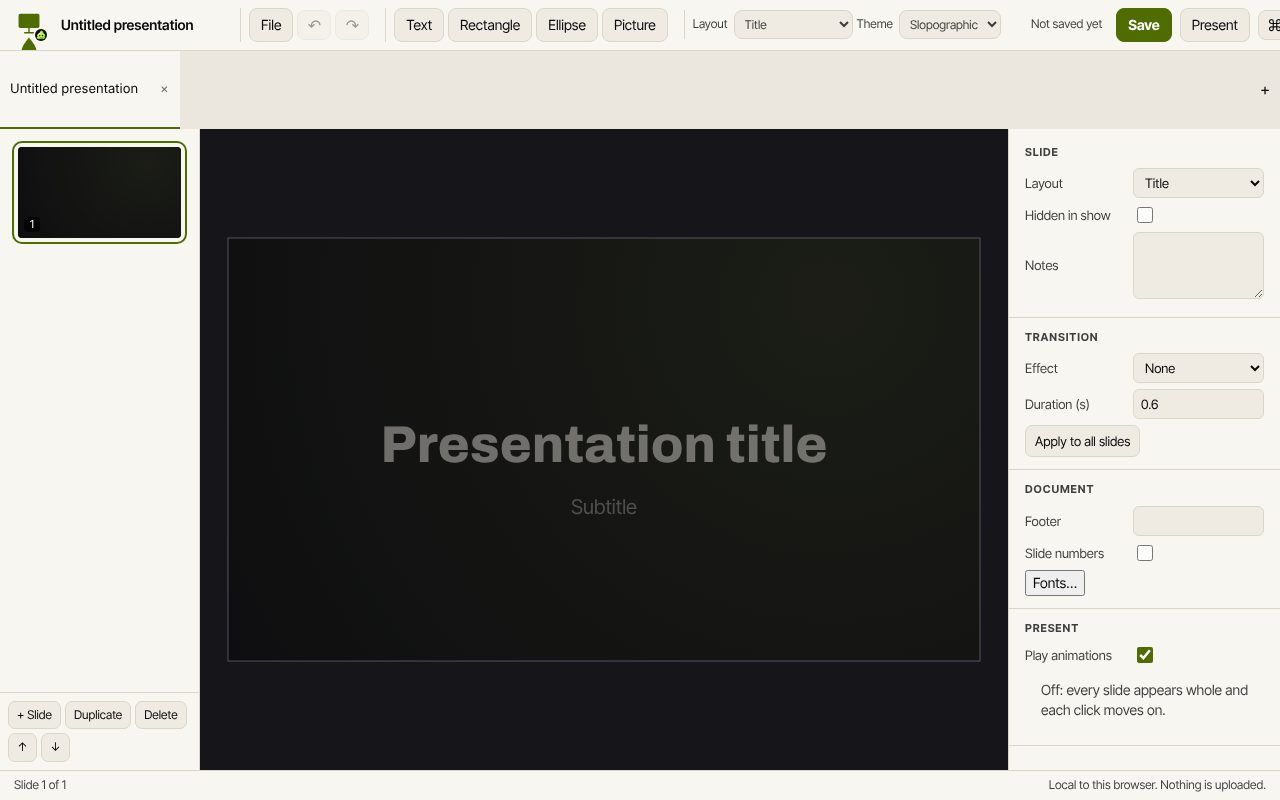 Slop Slides
開發中
Keynote 與 PowerPoint,為瀏覽器重新打造。 Slop Press
Beta 版
InDesign,為瀏覽器重新打造。