Slop Scan · Beta
Document scanner: photo to PDF
Photos of pages to a clean PDF: edges found, shadows gone. Nothing uploaded.
Nichts zu installieren: Einfach im Browser auf Handy, Tablet oder Computer öffnen. Nach dem ersten Besuch funktioniert es auch ohne Internet. Ein Symbol auf dem Startbildschirm? Auf dem iPhone oder iPad „Teilen“ und dann „Zum Home-Bildschirm“ wählen. Auf Android das Browsermenü öffnen und „Zum Startbildschirm hinzufügen“ antippen. Auf dem Computer auf das Installationssymbol in der Adressleiste klicken.
Slop Scan hat diese Hauptfunktionen: Take photos or add them, several pages at once; iPhone HEIC too; Edges found and the page made flat; drag the corners with a magnifier. Es öffnet Beliebiges Bild.
Beta: wird noch getestet, daher können sich Teile ändern.
Funktionsmatrix
| Funktion | Status | Dateitypen |
|---|---|---|
| Take photos or add them, several pages at once; iPhone HEIC too | Beta | Beliebiges Bild |
| Edges found and the page made flat; drag the corners with a magnifier | Beta | Beliebiges Bild |
| Colour, greyscale, black & white and photo looks that take out shadows | Beta | Beliebiges Bild |
| A4, Letter or the scan's own shape, margins and quality; searchable text with OCR | Beta | Beliebiges Bild |
| One PDF, or the pages as JPG and PNG; open it in Slop PDF | Beta | Beliebiges Bild |
Dateitypen
Slop Scan öffnet Beliebiges Bild.
Verwandte Apps
 Slop PDF
Live
PDFs ordnen, bearbeiten und signieren. Nichts wird hochgeladen. SlopLabel
Beta
Barcode-Etiketten gestalten und drucken. Slop OCR
Beta
Text aus Bildern und gescannten PDFs auf Ihrem Gerät lesen. Nichts wird hochgeladen.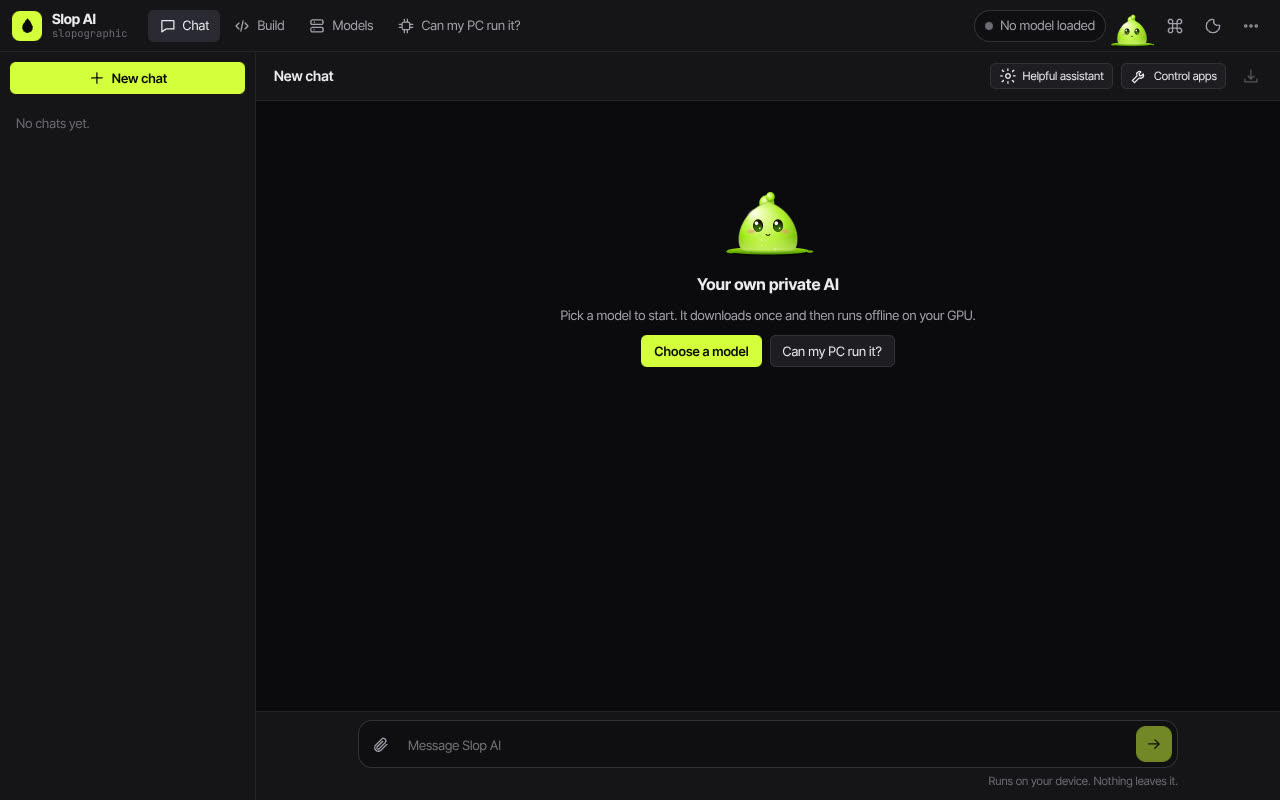 Slop AI
Beta
Chatten mit einer KI, die auf Ihrem eigenen Computer läuft.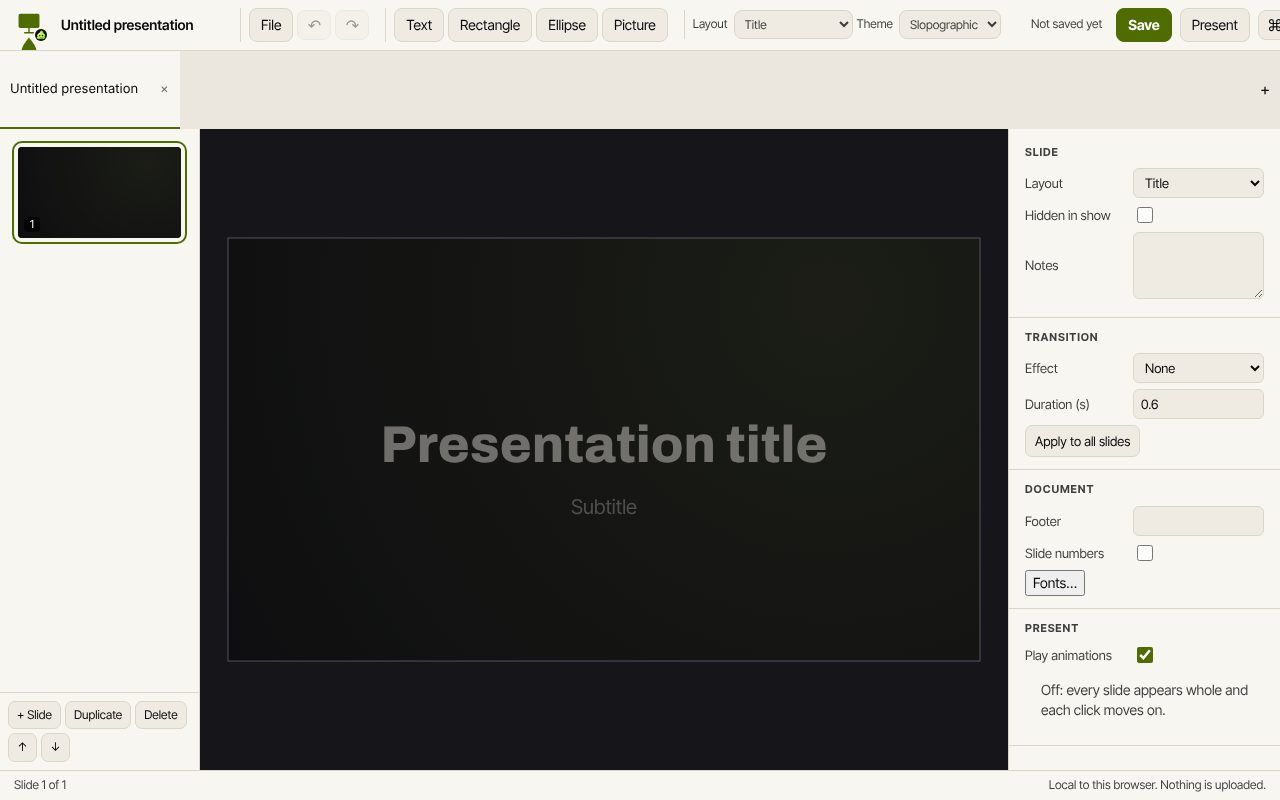 Slop Slides
In Entwicklung
Keynote und PowerPoint, im Browser neu gebaut. Slop Press
Beta
InDesign, im Browser neu gebaut.