Slop Scan · Bèta
Document scanner: photo to PDF
Photos of pages to a clean PDF: edges found, shadows gone. Nothing uploaded.
Je hoeft niets te installeren: open de app gewoon in de browser op je telefoon, tablet of computer. Na je eerste bezoek blijft hij werken zonder internet. Wil je een icoon op je beginscherm? Op iPhone of iPad tik je op Deel en daarna op Zet op beginscherm. Op Android open je het browsermenu en tik je op Toevoegen aan startscherm. Op een computer klik je op het installatiepictogram in de adresbalk.
Slop Scan heeft deze belangrijkste functies: Take photos or add them, several pages at once; iPhone HEIC too; Edges found and the page made flat; drag the corners with a magnifier. Het opent Elke afbeelding.
Bèta: wordt nog getest, dus sommige onderdelen kunnen veranderen.
Functiematrix
| Functie | Status | Bestandstypen |
|---|---|---|
| Take photos or add them, several pages at once; iPhone HEIC too | Bèta | Elke afbeelding |
| Edges found and the page made flat; drag the corners with a magnifier | Bèta | Elke afbeelding |
| Colour, greyscale, black & white and photo looks that take out shadows | Bèta | Elke afbeelding |
| A4, Letter or the scan's own shape, margins and quality; searchable text with OCR | Bèta | Elke afbeelding |
| One PDF, or the pages as JPG and PNG; open it in Slop PDF | Bèta | Elke afbeelding |
Bestandstypen
Slop Scan opent Elke afbeelding.
Verwante apps
 Slop PDF
Live
Pdf’s ordenen, bewerken en ondertekenen. Niets geüpload. SlopLabel
Bèta
Barcodeetiketten ontwerpen en printen. Slop OCR
Bèta
Tekst lezen uit afbeeldingen en gescande pdf’s op je apparaat. Niets geüpload.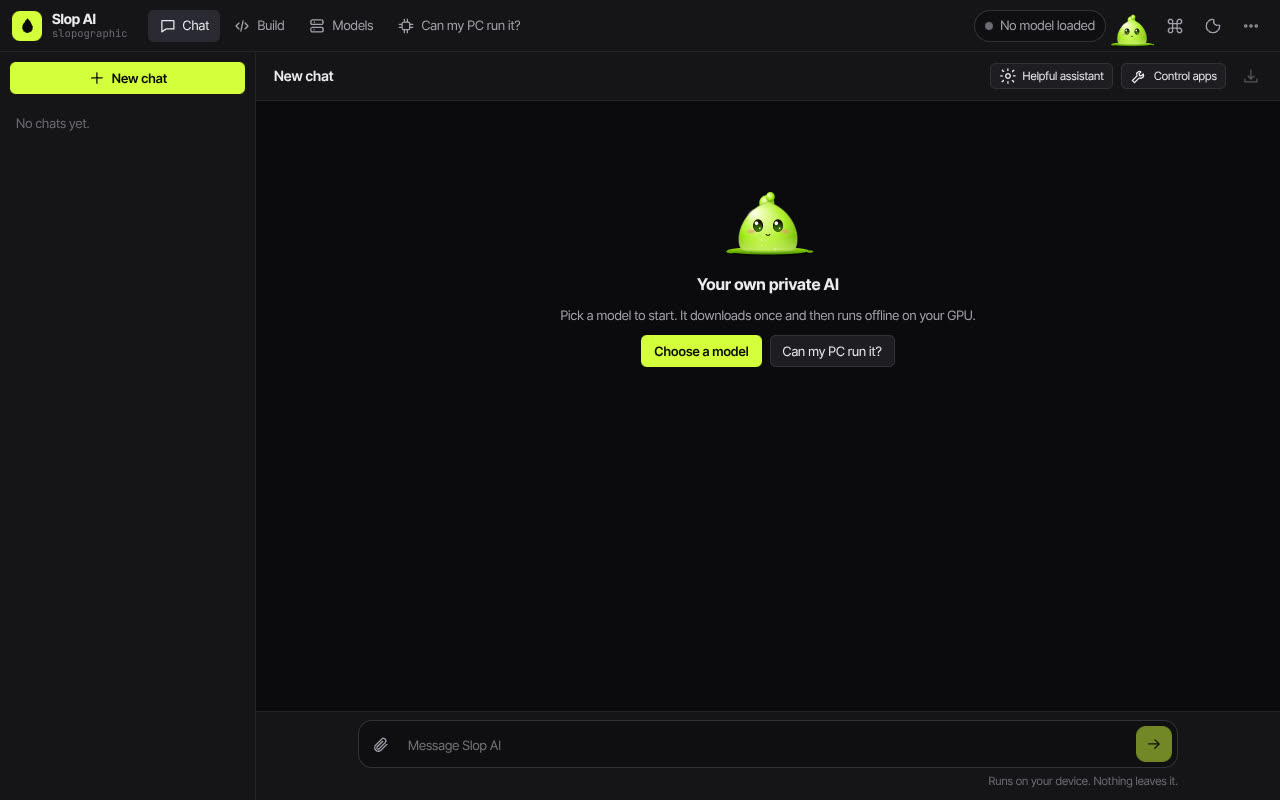 Slop AI
Bèta
Chat met een AI die op je eigen computer draait.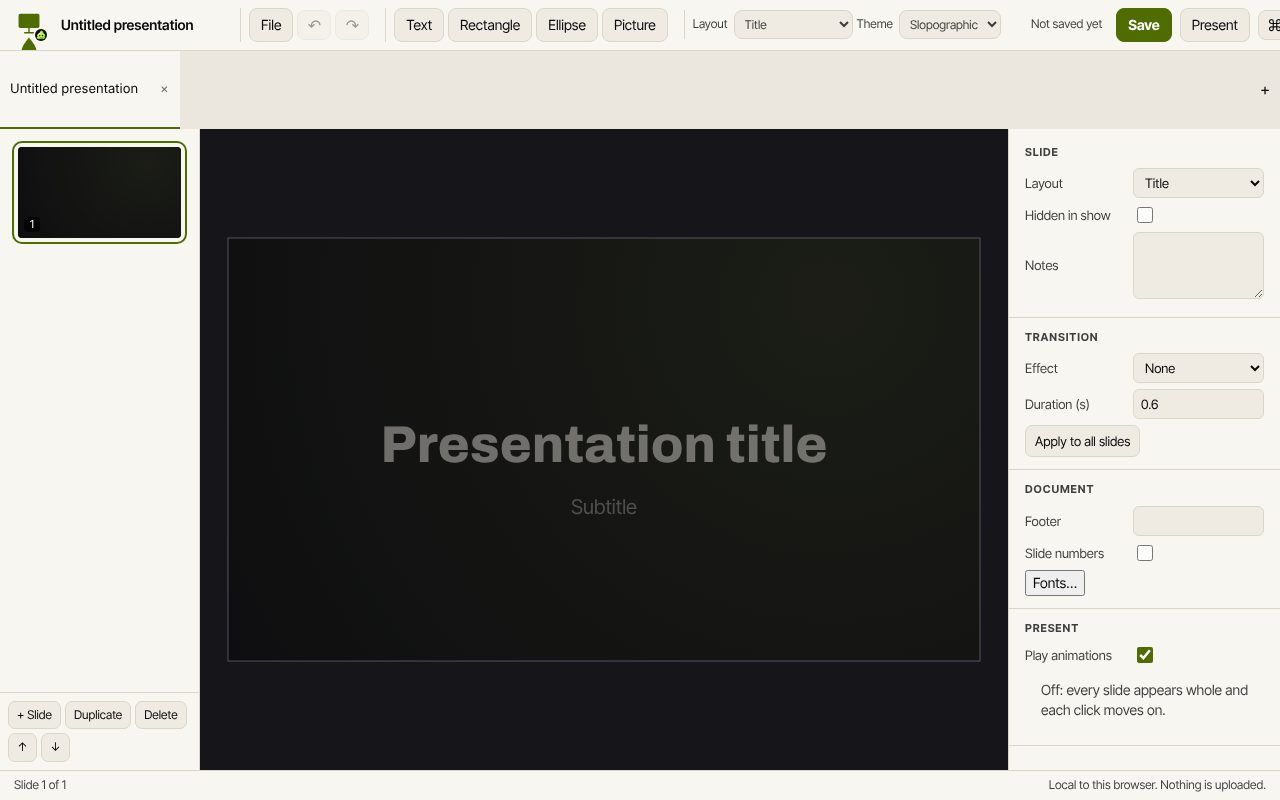 Slop Slides
In ontwikkeling
Keynote en PowerPoint, opnieuw gebouwd voor de browser. Slop Press
Bèta
InDesign, opnieuw gebouwd voor de browser.